
Ad capabilities in Experiences
Ads let you monetize content in your app or site. You can bring ads from Google Ad Manager (GAM) and serve them in your content. Choose a format that fits your goal: native ads as a Story or Moment page, VAST ads when you need skip control and completion, or banner ads as a static display unit. See Ad specs for creative requirements.
Get started
- Ad configuration: Where and how often ads appear in the player.
- Ad specs: Creative requirements by format.
- GAM ads: Google Ad Manager setup, campaigns, and VAST macros.
- Troubleshooting ad issues: Diagnose IMA and custom native ad problems.
Where ads appear
Ads run on Stories, Moments, and Videos. You set placement at the app level, and override it per widget when needed.
On Web, when more Moments are added to the feed, the existing ad frequency keeps counting. The count does not start over, and there is no new setting.
Videos can show more than one ad in a single playback:
- Pre-roll: before the video starts.
- Mid-roll: at set points during the video.
- Post-roll: at the end of the video.
On Web, the player can load the next video ad before the break. This follows your existing ads configuration. The player looks ahead by the configured distance, or by 2 items when that distance is not set. A distance of 0 turns this off. There is no new app call.
Not every break plays in every player or on every platform. For the rules, limits, and platform table, see Ad configuration.
Banner ads don't use breaks. They're attached per Story or Moment at publish time. See Banner ads.
Ad formats
Custom native ads
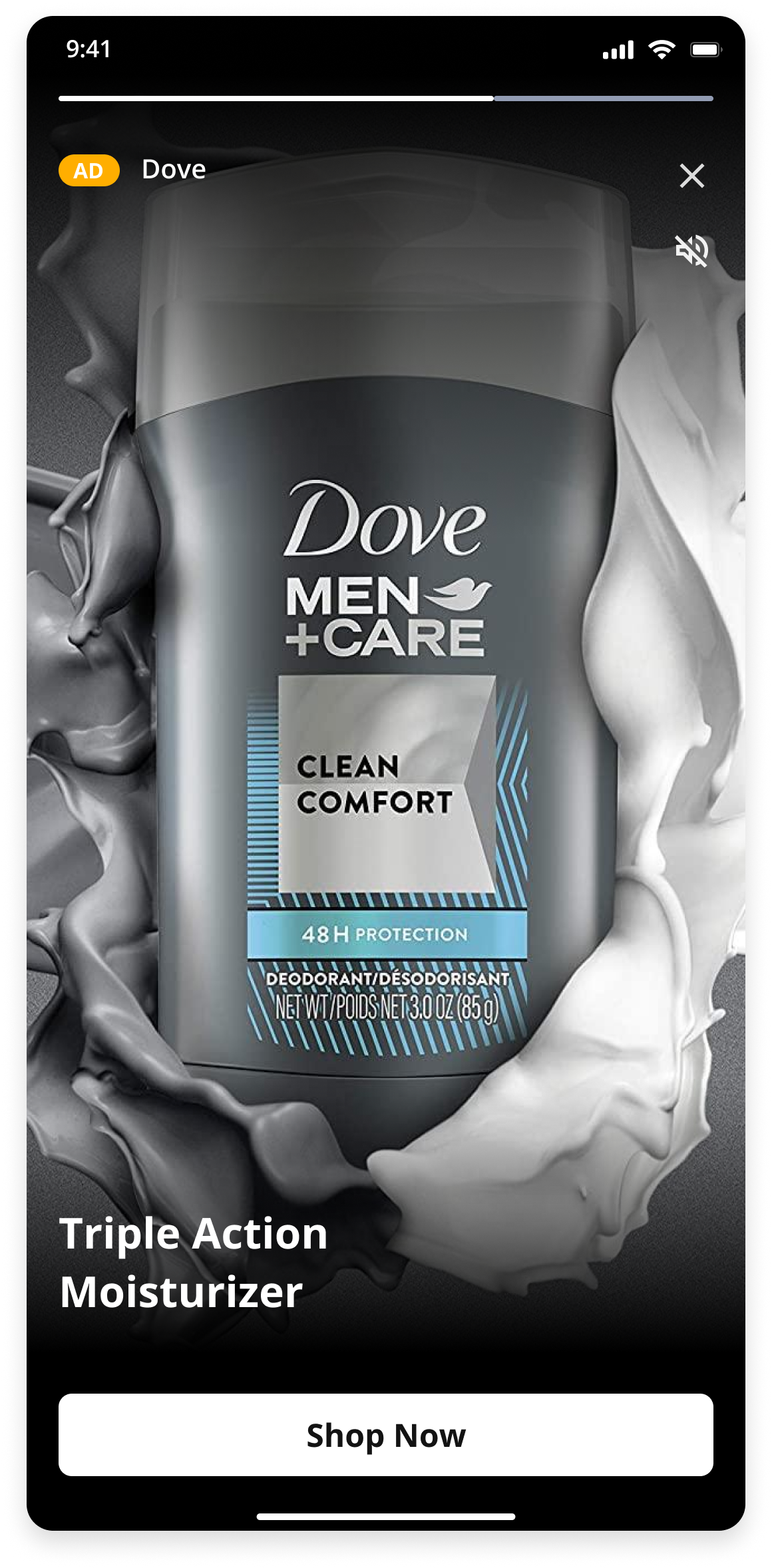
Custom native is the Google Ad Manager (GAM) name for native ads. Each ad appears as a Story or Moment page. The Viewer can skip the page and move between pages the same way as any other page. The SDK calls your app when the SDK needs an ad. Your app fetches the ad and returns the details for the SDK to show.
Use custom native ads when you have an action to promote. The CTA is more prominent and conversion is better.
VAST ads
VAST ads play VAST tags through the IMA SDK as an overlay on the player. All configuration happens when the ad is created. These ads are unskippable or skippable after a set time. WSC Sports creates a campaign for each VAST tag you provide, and sets which tag shows on which Stories, Moments, or Videos. The SDK handles playback.
Use VAST ads when you focus on completion rate. You control whether and when the viewer can skip, unlike custom native ads.
Banner ads
Banner ads are static 320×50 display units. A banner isn't an ad break: it sits in the player alongside the content, for as long as that Story or Moment is on screen.
Banners run on Stories and Moments. You don't set them in the app-wide ad configuration — you attach a Banner campaign to the content when you publish it, in Rules settings or in Clipro. See GAM ad campaigns for the campaign, and Banner ad specs for file type and size limits.
Moments banners are Web only and need Web SDK 0.37.1 or later. In the Moments player the banner sits below the seek bar. It's hidden while a VAST or custom native ad plays, and loads after a pre-roll ends. If no banner fills, its space collapses.

Updated about 19 hours ago