
BlazeObjectPositioning - React Native
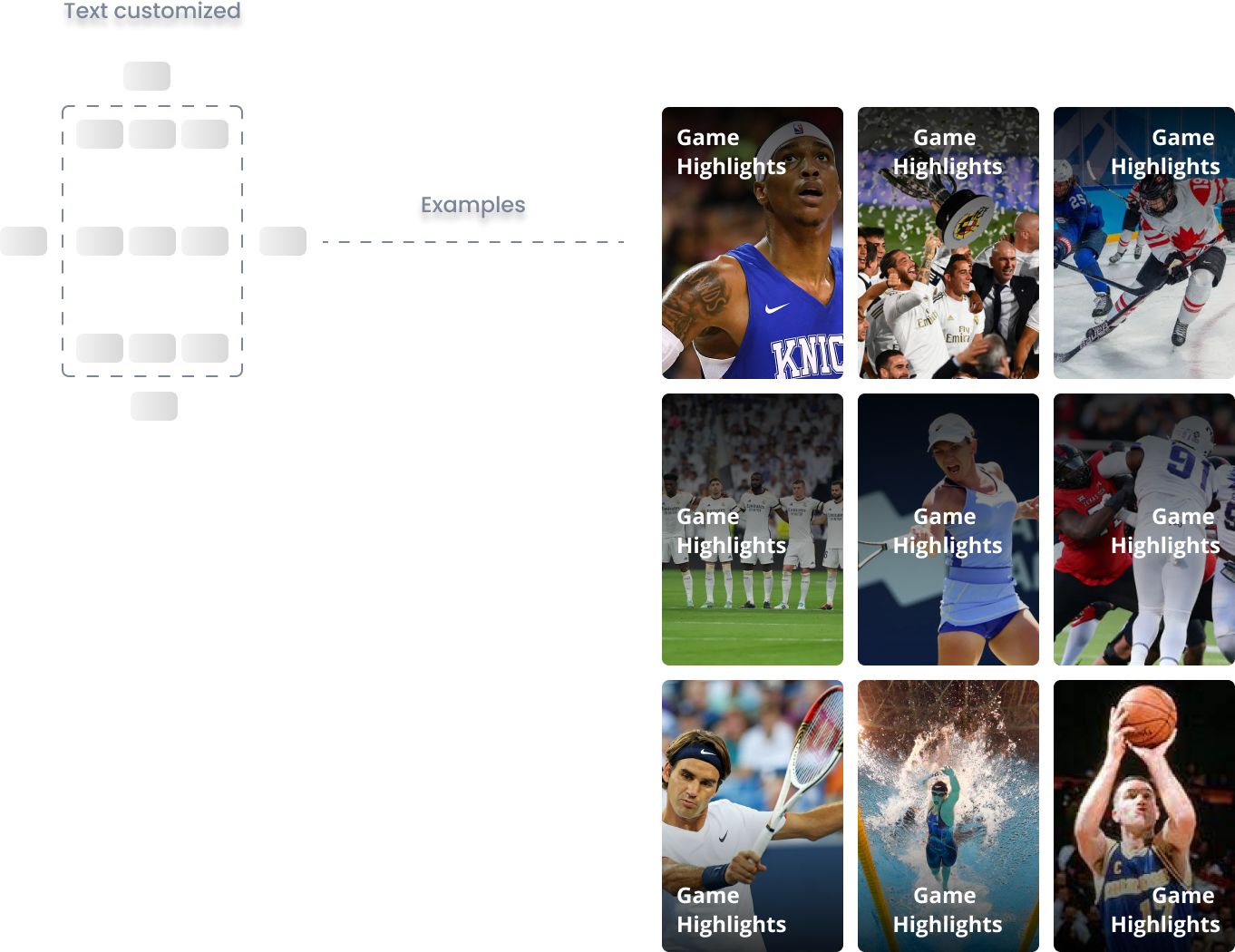
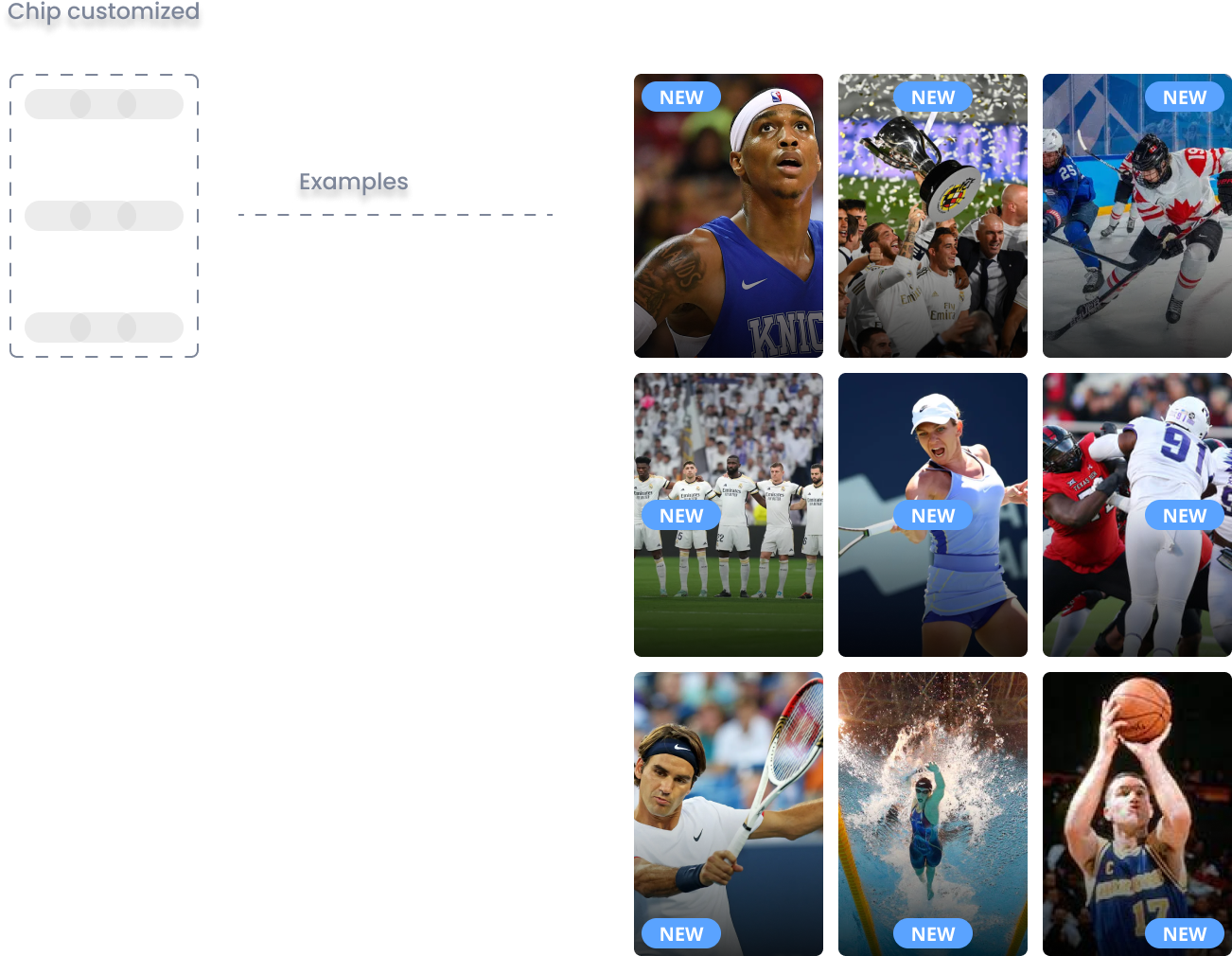
BlazeObjectPositioning defines the horizontal and vertical position of an object within a container. Use it to position UI elements such as titles and indicators inside a widget item.
Properties
xPosition
xPosition?: BlazeObjectXPositionThe horizontal position of the object. See BlazeObjectXPosition below.
yPosition
yPosition?: BlazeObjectYPositionThe vertical position of the object. See BlazeObjectYPosition below.
BlazeObjectXPosition
The BlazeObjectXPosition type defines the horizontal position of an object relative to a sibling object's leading, trailing, or center axis.
Cases
| Value | Description |
|---|---|
| LeadingToLeading | Aligns the leading edge of the object to the leading edge of the second element. |
| LeadingToTrailing | Aligns the leading edge of the object to the trailing edge of the second element. |
| TrailingToLeading | Aligns the trailing edge of the object to the leading edge of the second element. |
| TrailingToTrailing | Aligns the trailing edge of the object to the trailing edge of the second element. |
| CenterX | Aligns the center of the object with the center of the second element along the x-axis. |
| CenterToLeading | Aligns the center of the object to the leading edge of the second element. |
| CenterToTrailing | Aligns the center of the object to the trailing edge of the second element. |
BlazeObjectYPosition
The BlazeObjectYPosition type defines the vertical position of an object relative to a sibling object's top, bottom, or center axis.
Cases
| Value | Description |
|---|---|
| BottomToTop | Aligns the bottom edge of the object to the top edge of the second element. |
| TopToTop | Aligns the top edge of the object to the top edge of the second element. |
| BottomToBottom | Aligns the bottom edge of the object to the bottom edge of the second element. |
| TopToBottom | Aligns the top edge of the object to the bottom edge of the second element. |
| CenterToTop | Aligns the center of the object to the top edge of the second element. |
| CenterY | Aligns the center of the object with the center of the second element along the y-axis. |
| CenterToBottom | Aligns the center of the object to the bottom edge of the second element. |
Updated about 2 months ago
Did this page help you?