
Analytics options available
Use analytics to understand how viewers engage with your digital properties and to measure performance over time. Use these insights to improve the content you deliver to viewers. Analytics are available through performance dashboards, the Reports hub, downloadable CSVs, and raw-level event data.
Experiences make analytics data - both summary and event-level data described in the sections that follow.
Summary data in Experiences CMS
-
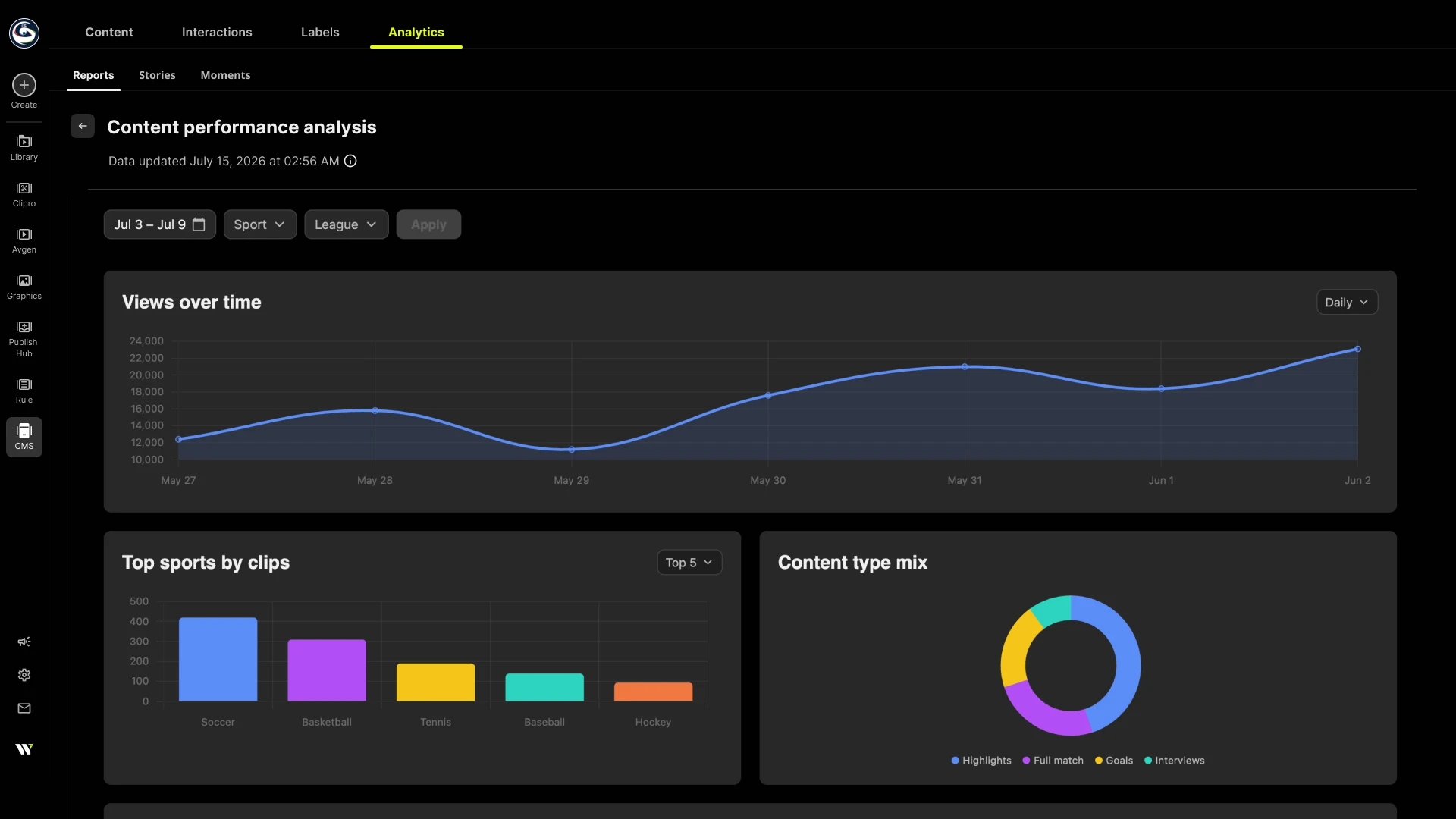
Dashboards: To view summary metrics, charts, and filters per content type. See CMS analytics. Dashboard data can be downloaded as CSV files. See Export report for the current report types, available dimensions, and CSV format.
-
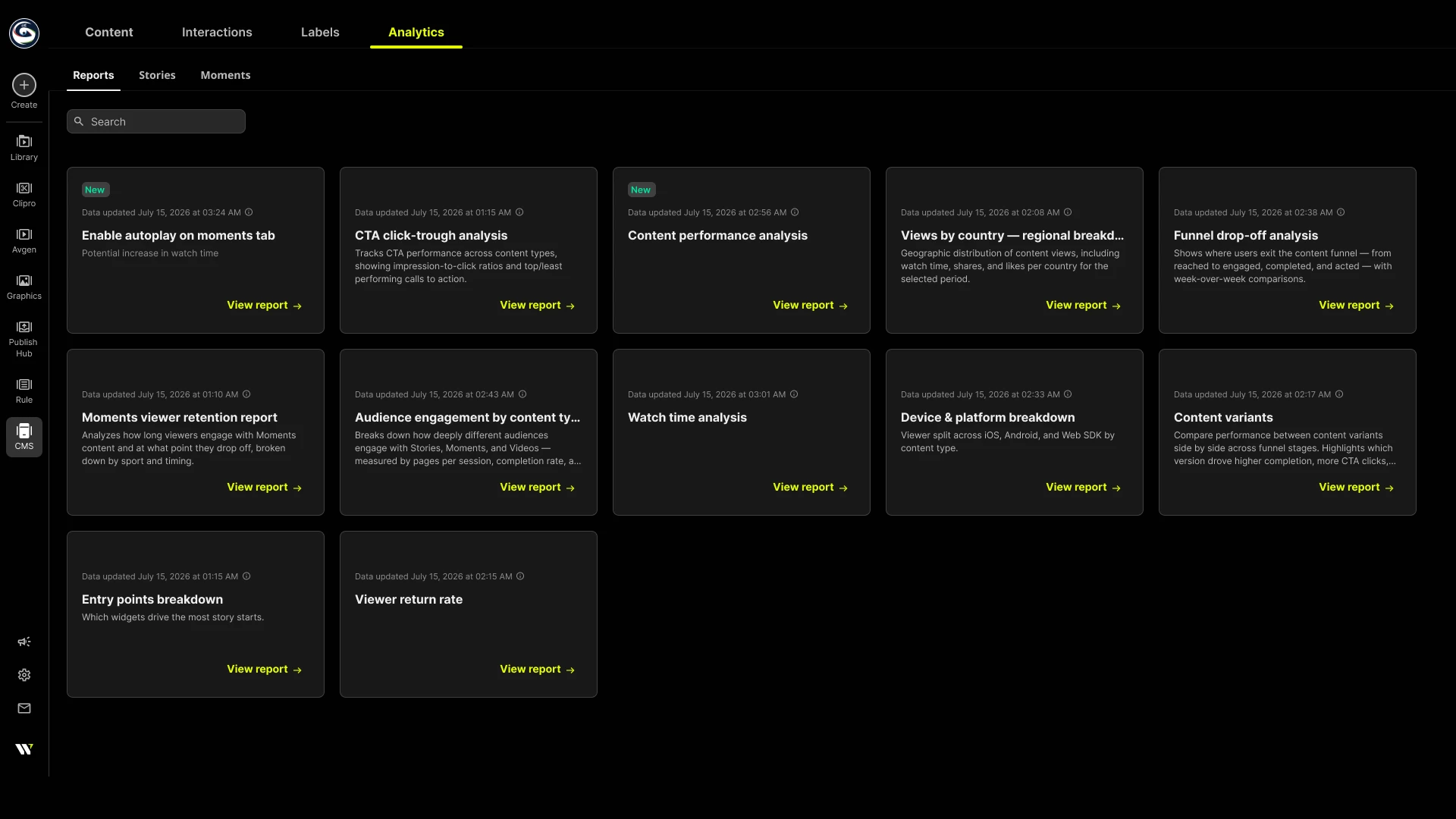
Reports hub: View dynamic performance reports in the Analytics Reports tab. See Reports hub.
Raw-level event data
If you need raw, event-level data (for example, to feed your analytics pipeline or to build custom reporting), implement SDK event callbacks in your app and capture events as they occur. See Events reference.
Updated 3 months ago