
Reports hub
The Reports hub in CMS is where you open dynamic performance reports in the Analytics Reports tab. WSC Sports prepares a set of standard reports and keeps them current. Each report has its own metrics, charts, and filters.
If you need a report that isn't available in the hub, contact your WSC Sports account manager. Custom reports prepared for you also appear here.
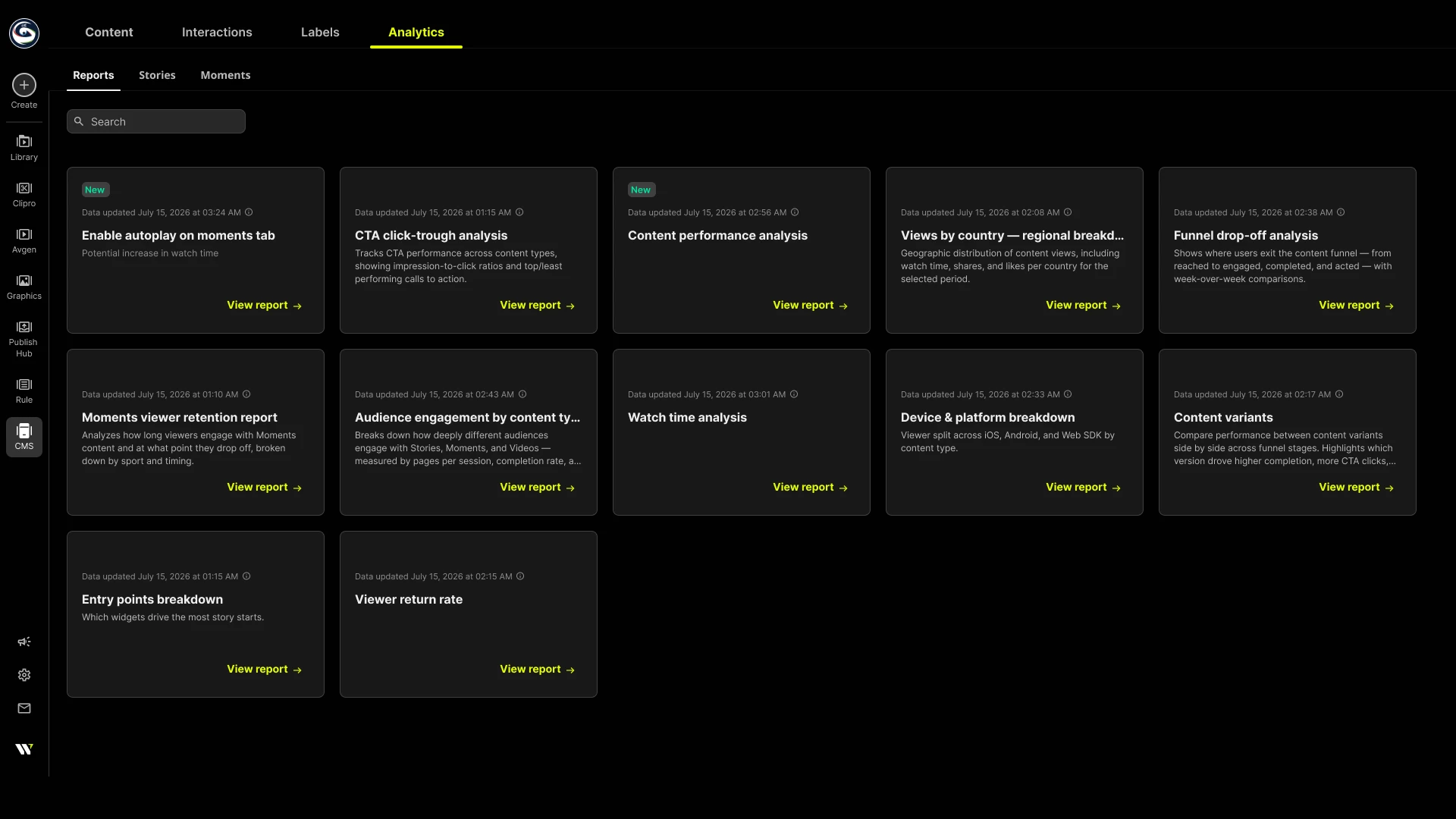
Data freshness
Report data refreshes on a schedule, not in real time. Each report shows a Data updated indicator with the last refresh date and time. Consider further that reports are made from multiple data sources, and not all data sources refresh at the same rate. As such, when the report is prepared, it uses the most recent data available per data source.
View report
To view a report:
-
In Arena, go to CMS > Analytics > Reports.
The list of reports available displays. -
Find the report that interests you, click View report.
The report displays.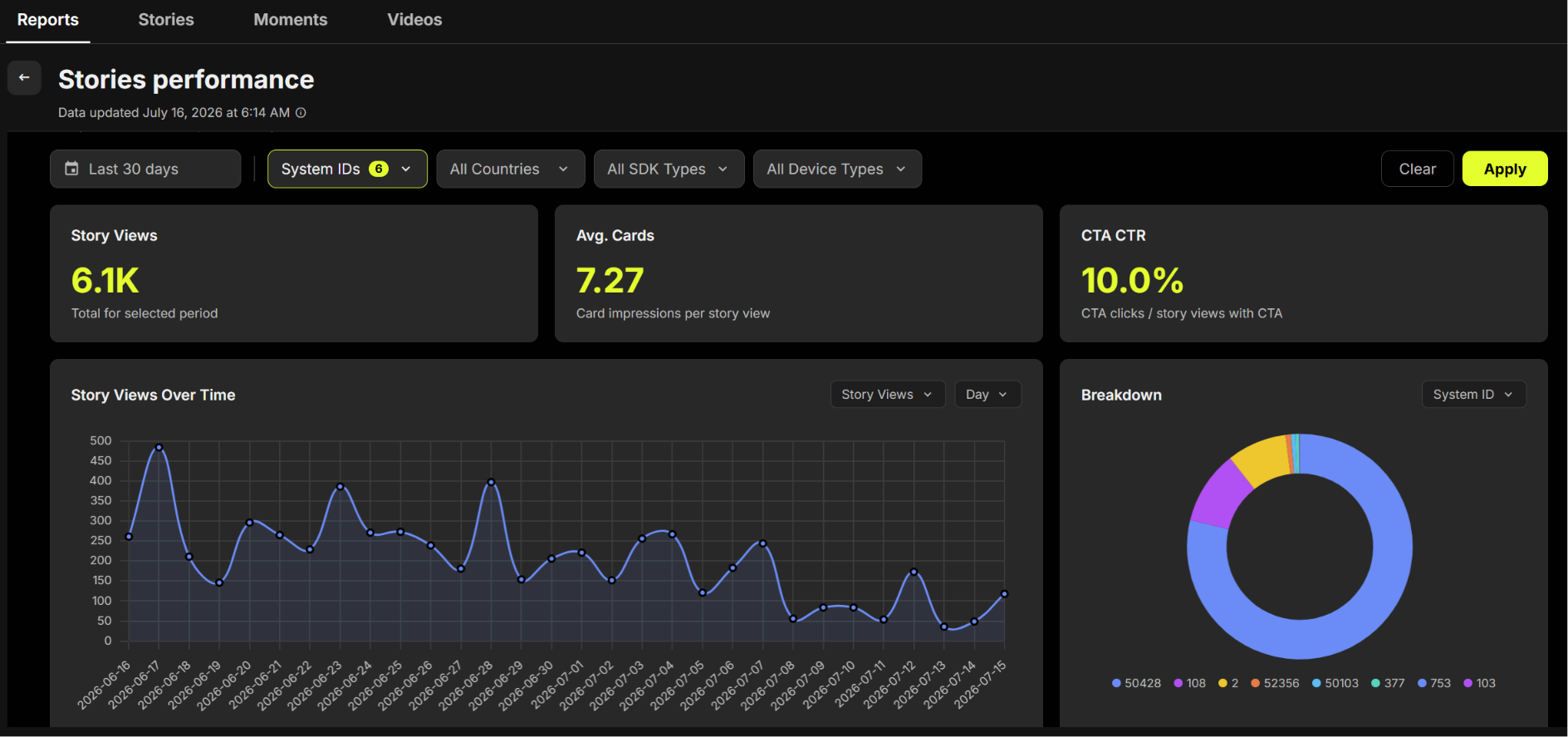
-
Adjust the available filters to slice and dice data. Filters available include:
- Time period
- System IDs
- Country (Geo)
- SDK type
- Device type
-
Click Apply.
The report displays.
Updated 3 months ago