
Compose - Android player container
There are different types of player container in compose that can be integrated:
BlazeMomentsPlayerContainerCompose- is a class designed to manage and facilitate the playback of moments based on a specified data source type. It provides functionality to embed and control moments playback within a specified container. The container provides flexibility in determining how and where moments are presented, offering customization and delegation to handle various events.
Usage:
Instantiate theBlazeMomentsPlayerContainerComposewith the desiredBlazeMomentPlayerContainerComposeStateHandlerto manage the player states.
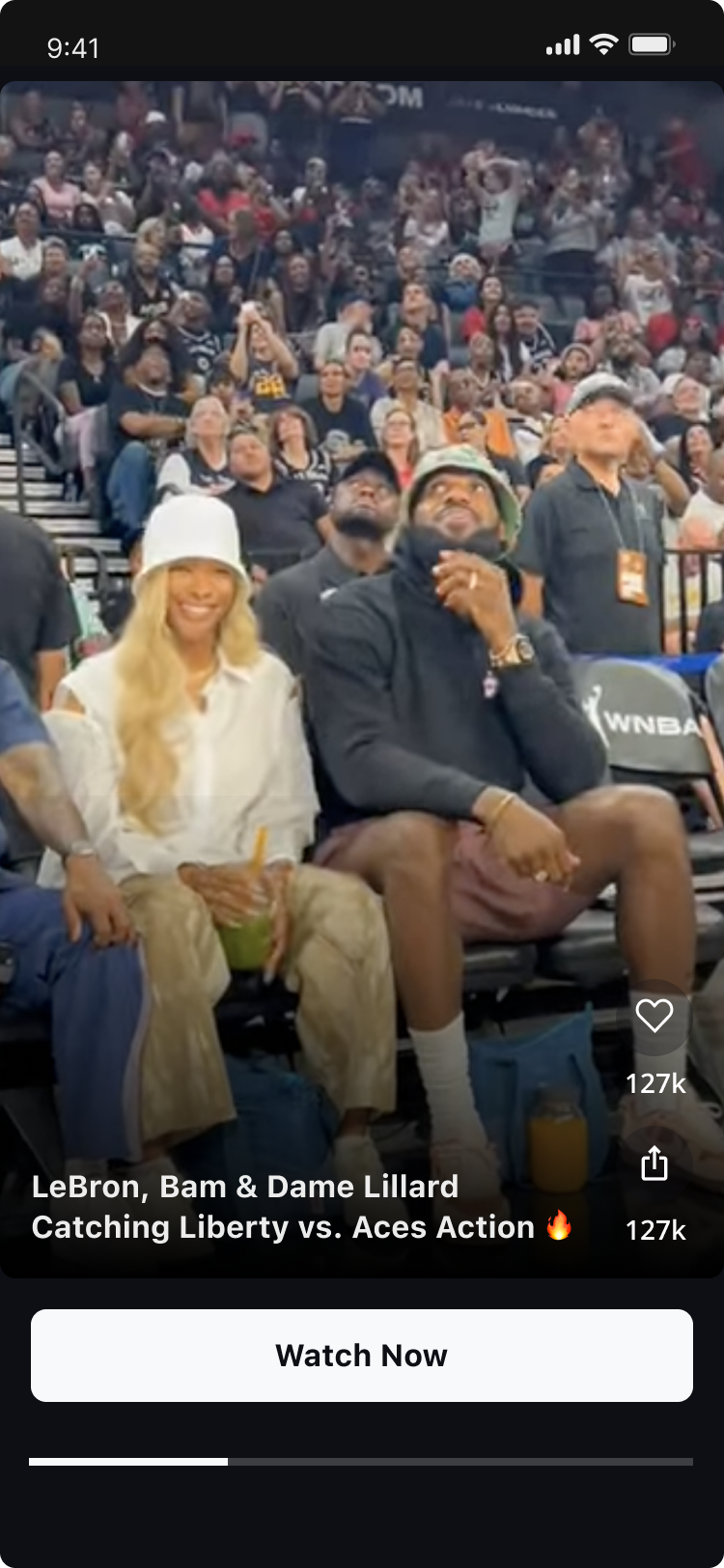
Compose Activity for Player ContainerTo use the Player Container, The Activity must inherit from
AppCompatActivityrather thanComponentActivity.
Player Container will notify if any data exists for display.Player Container doesn't provide empty state UI display.
App developers should make sure to decide on proper logic for empty state.
Implementation
Prerequisites
- Ensure Jetpack Compose is integrated into your project.
BlazeMomentsPlayerContainerCompose
initialize
Initializes a new instance of BlazeMomentsPlayerContainerCompose .
BlazeMomentsPlayerContainerCompose
BlazeMomentsPlayerContainerCompose(
  modifier = Modifier,
  stateHandler = BlazeMomentsPlayerContainerComposeStateHandler
)
BlazeMomentsPlayerContainerComposeStateHandler
BlazeMomentsPlayerContainerComposeStateHandler is the primary conduit for the player's state. It provides a suite of functions allowing to have control over the player's, data, and behavior.
Creation ofBlazeMomentsPlayerContainerComposeStateHandler
BlazeMomentsPlayerContainerComposeStateHandlerThis design ensures a strong and singular link between a BlazeMomentsPlayerContainerCompose instance and its state handler.
momentPlayerStateHandler = BlazeMomentPlayerContainerComposeStateHandler(
  dataSource = BlazeDataSourceType.Labels(BlazeWidgetLabel.singleLabel("some-label")),
  playerInContainerDelegate = object : BlazePlayerInContainerDelegate {
    // Here is your optional implementation
  },
  shouldOrderMomentsByReadStatus = true,
  cachePolicyLevel = BlazeCachingLevel.DEFAULT,
  containerId = "simpleID-compose-container-moment",
  momentsPlayerStyle = momentsPlayerStyle,
  momentsAdsConfigType = BlazeMomentsAdsConfigType.FIRST_AVAILABLE_ADS_CONFIG,
  momentsPlaybackConfiguration: BlazeMomentsPlaybackConfiguration? = null
)
IMPORTANT - Order of creation
When integrating BlazeMomentPlayerContainerComposeStateHandler in a Compose environment, it's important to manage its instantiation and operation correctly to align with Compose's reactive and recomposition nature.
It is crucial to create BlazeMomentPlayerContainerComposeStateHandler higher in the component hierarchy to prevent recomposition. Each BlazeMomentsPlayerContainerCompose instance should have a uniqueBlazeMomentPlayerContainerComposeStateHandler.
State handler properties
containerId
var containerId: StringRepresents the identifier of the Blaze Player Container. This identifier MUST be unique per instance in the app.
dataSource
var dataSource: BlazeDataSourceTypeThe dataSource property represents the dataSource associated with the Blaze widget. dataSource is built with BlazeDataSourceType
Representing the dataSource applied to the widget. Modify this property to alter the dataSource used for filtering stories/moments.
cachingLevel
var cachingLevel: CachingLevelOverrides the cachePolicyLevel for the specific widget. Read more about the options available under the 'CachingLevel' section.
momentsPlayerStyle
var momentsPlayerStyle: BlazeMomentsPlayerStyleOverrides the moments theme for the specific widget. You can modify this property or its properties to change and override the default player style. Read more about the customization options available under the 'Moment Player Customizations' section.
shouldOrderMomentsByReadStatus
var shouldOrderMomentsByReadStatus: BooleanA flag indicating whether moments should be ordered by their read status.
When this flag is set to true, the widget will display moments in an order where unread moments appear first, followed by the read moments.
This flag is true by default.
Note: If all moments have been viewed, the original order of moments will be maintained.
adsConfigType
var momentsAdsConfigType: BlazeMomentsAdsConfigTypeUpdate ads configuration according to momentsAdsConfigType.
Default value for momentsAdsConfigType is BlazeMomentsAdsConfigType.FIRST_AVAILABLE_ADS_CONFIG.
playerInContainerDelegate
val playerInContainerDelegate: PlayerInContainerDelegateContainer delegates of type BlazePlayerInContainerDelegate for specific container.
momentsPlaybackConfiguration
momentsPlaybackConfiguration: BlazeMomentsPlaybackConfigurationThe playback configurations for the Moments player. See more at BlazeMomentsPlaybackConfiguration.
State handler methods & properties
Please review Methods & Properties at Android Player Container.
BlazePlayerInContainerDelegate
BlazePlayerInContainerDelegate is a interface that extends the functionalities of BlazePlayerSourceDelegate and provides additional callback player contained within a container.. This delegate allows your app to handle various types of events.
All functions in this interface are optional, the choice of which function to implement is left for app developers.
IMPORTANT - Player audio
To preserve the 'out-of-the-box' behavior regarding mute/unmute (i.e., when the user increases/decreases his device volume, the mute/unmute state of the player behaves accordingly) - application developers must include the following code in the player host Activity:
override fun onKeyUp(keyCode: Int, event: KeyEvent?): Boolean {
    return if (keyCode == KeyEvent.KEYCODE_VOLUME_DOWN || keyCode == KeyEvent.KEYCODE_VOLUME_UP) {
      momentPlayerStateHandler.onVolumeChanged()
      true
    } else {
      super.onKeyUp(keyCode, event)
    }
}
The SDK will handle the player's audio behavior after onVolumeChanged is called.
Update player container
If you need to update one of the container's properties (data source for example):
- Dismiss the current container instance:
momentPlayerStateHandler.dismissPlayer()- Assign a new instance to the state handler variable (this will cause recomposition and data will be updated accordingly):
momentPlayerStateHandler = BlazeMomentPlayerContainerComposeStateHandler(
  dataSource = BlazeDataSourceType.Labels(BlazeWidgetLabel.singleLabel("some-label")),
  playerInContainerDelegate = object : BlazePlayerInContainerDelegate {
    // Here is your optional implementation
  },
  shouldOrderMomentsByReadStatus = true,
  cachePolicyLevel = BlazeCachingLevel.DEFAULT,
  containerId = "simpleID-compose-container-moment",
  momentsPlayerStyle = momentsPlayerStyle,
  momentsAdsConfigType = BlazeMomentsAdsConfigType.FIRST_AVAILABLE_ADS_CONFIG,
  momentsPlaybackConfiguration: BlazeMomentsPlaybackConfiguration? = null
)
Important - when you update the player container's state handler, it is crucial that you use different containerId for the new instance, so the SDK won't try to restore the previous instance.
Updated 2 months ago